OSC account setup
Create an Ohio Supercomputer Center account if you don’t have one

1 Overview
During the workshop, we’ll be using the Ohio Supercomputer Center (OSC) so we can all run code and access data in the same manner. Additionally, OSC’s computing resources and data storage capabilities make it the go-to location for us at OSU to perform real-world omics data analyses.
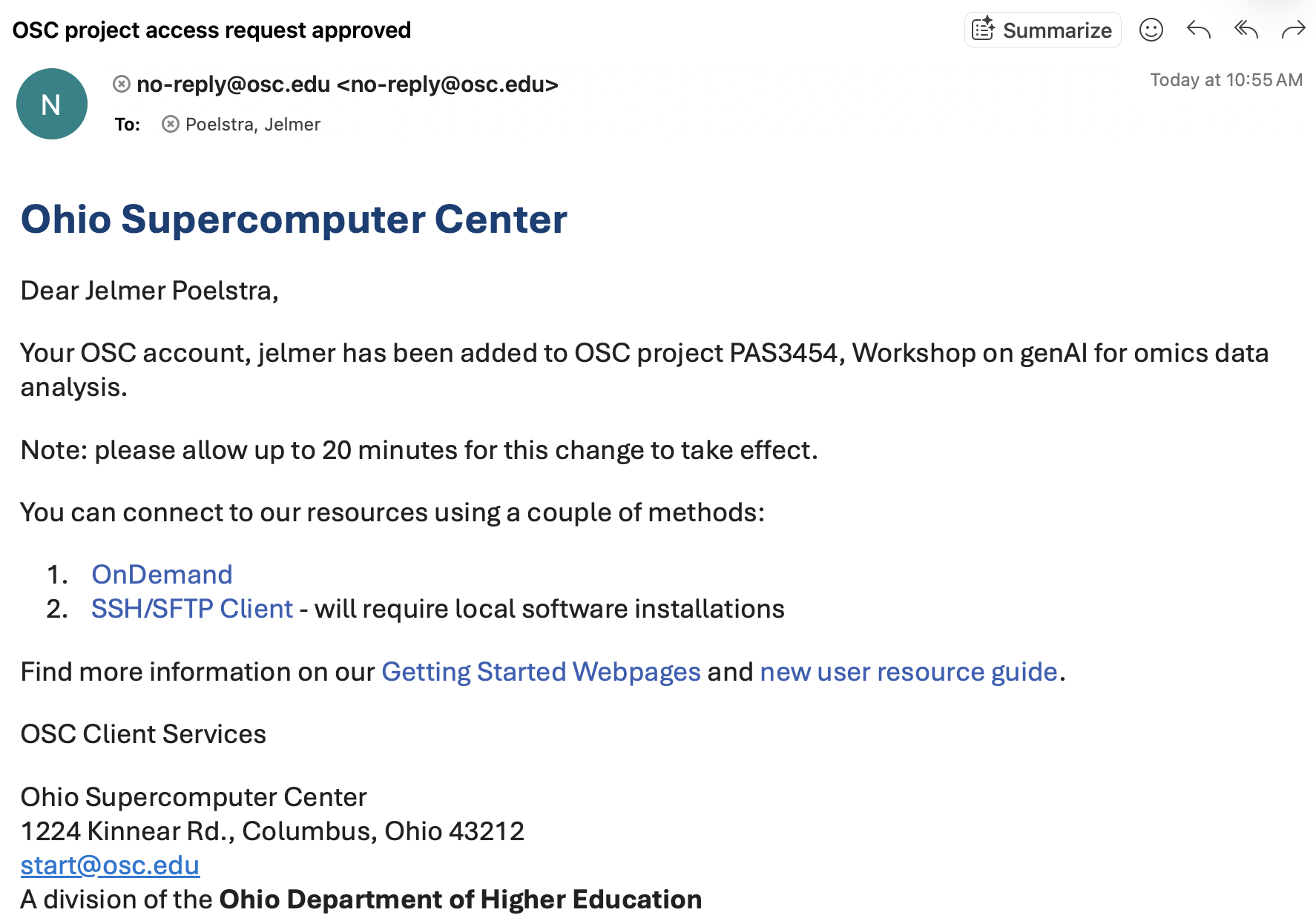
The instructors will add you to the workshop’s OSC project (PAS3454), which will give you access to shared files and allow you to reserve computing resources. If you don’t yet have an OSC account, being added to the project will additionally trigger the process for you to create an account.
2 What you should do
Send us your OSC username (we can likely find it, but it’s not foolproof and easier if you tell us). We will then add you to the OSC project, and you will receive an email informing you of this.
Check that you can log in at https://ondemand.osc.edu using your username and password.
Make sure you can access your password during the workshop: you’ll need to enter it in the VS Code editor where your browser/computer password manager won’t work.
We will add you to the OSC Project via your OSU email address, which will trigger an email from OSC. Follow the instructions in the email to create your account.
Check that you can log in at https://ondemand.osc.edu using your username and password (it may take up to half an hour after you create your account for this to work).
Make sure you can access your password during the workshop: you’ll need to enter it in the VS Code editor where your browser/computer password manager won’t work.